
IDS Virtual Tracker IT Asset & Electronics Inventory Management Software
Visibility and accountability for laptops, monitors, and peripherals that live outside your vending machines and smart lockers.
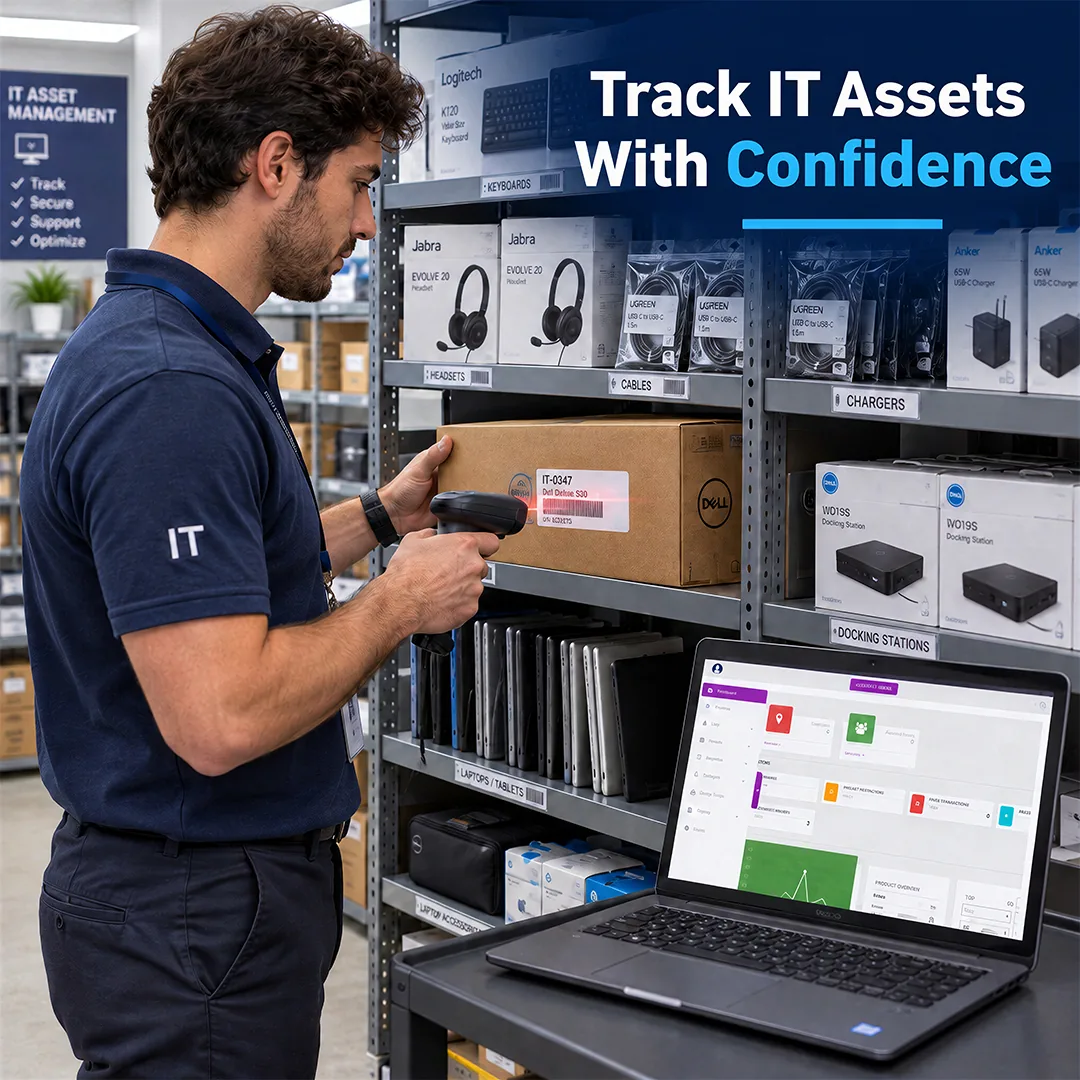
How can Virtual Tracker track laptops, peripherals, and IT assets within one system?
IDS Virtual Tracker IT Asset & Electronics Inventory Management Software gives IT teams the software, scanning hardware, and support to track equipment that doesn't need to sit in a vending machine or locker. Tie every item to a person so you can stop chasing down devices and maintaining spreadsheets.
Features
- ✓
Manage Unlimited Users and Employees: Add every employee, contractor, and technician without a user cap, so the record includes everyone who receives IT equipment.
- ✓
Set Up Role-Based Restrictions: Control who can be issued which equipment based on role or department, helping keep high-value peripherals from being over-consumed or stockpiled.
- ✓
Track Assets Across Your Organization: Track laptops, monitors, docking stations, and other durable equipment by serial number or asset tag alongside consumable peripherals, so IT can see each asset and who has it.
- ✓
Manage Check-In/Check-Out: Issue loaner devices and returnable equipment to a named employee and record their return, so IT knows what's still out.
- ✓
Monitor Transaction Logs: Every issue and return is logged with the item, employee, and timestamp. Email alerts flag low stock and overdue assets, so IT can act without walking the storeroom.
- ✓
Manage Unlimited Supply Rooms: Track as many IT storerooms, staging areas, help desk locations, and satellite closets as your organization runs. The backstock behind your machines becomes part of the same count rather than a separate spreadsheet.
Specifications
Client Testimonials
Why do customers like working with IDS?

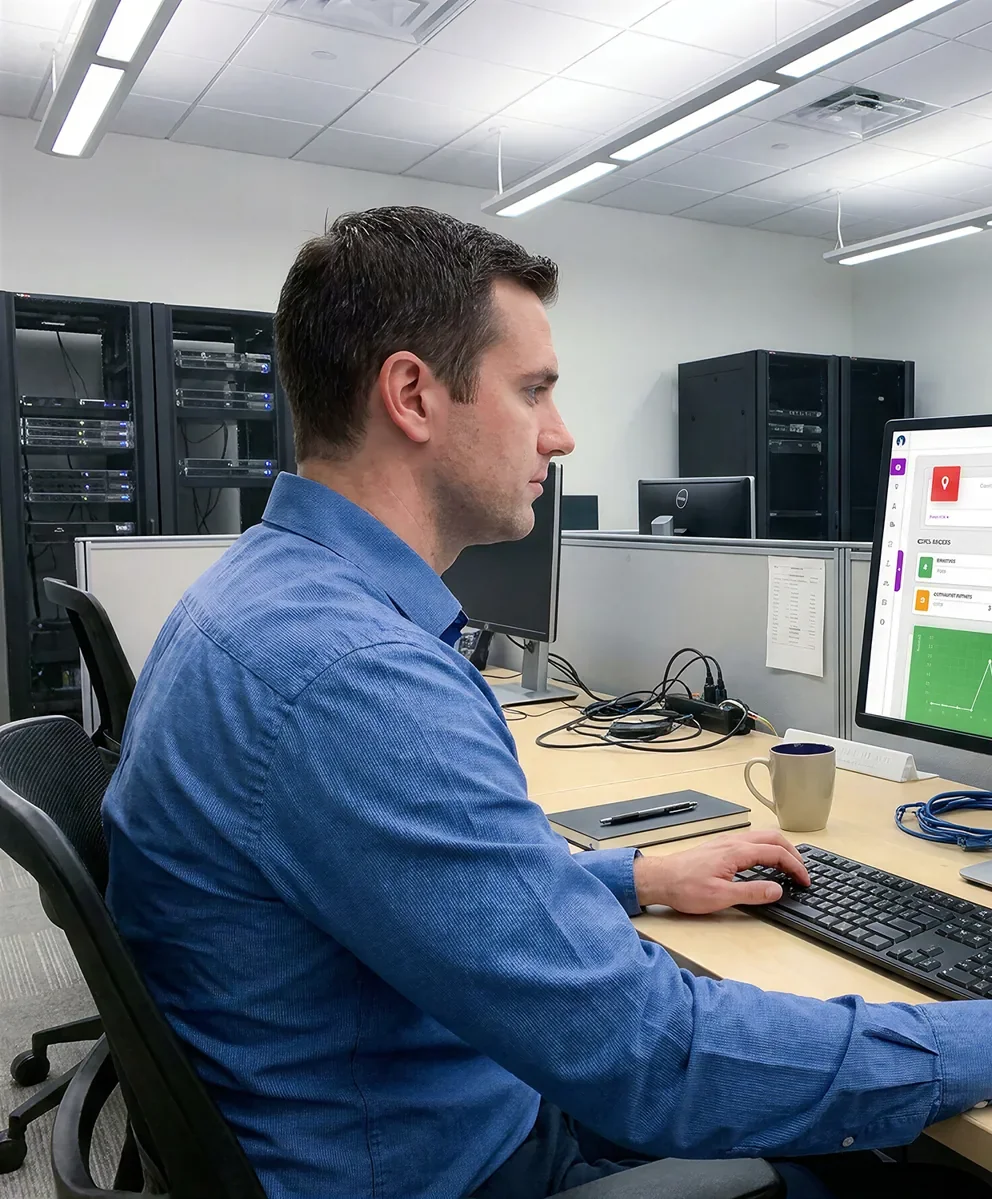
How does Virtual Tracker work to track office and IT supplies?
Vending solutions can be a great start to track your IT supplies and peripherals, but not every piece of IT equipment belongs in a dispenser. Backstock in the IT storeroom, spare monitors in a staging area, loaner pools at the help desk, and kits in satellite closets still need accountability. Virtual Tracker extends IDS iQ Technology to those locations, so you can track them in the same system as your IDS vending machines and smart lockers.
- Know who has what
Every issue and return is logged to an employee with a timestamp, so returnable equipment doesn't disappear into desk drawers.
- Cut manual tracking
Scanning replaces handwritten sign-out sheets and manual spreadsheet updates, so your team spends less time on data entry.
- Close the gaps between locations
Storerooms, staging areas, and satellite closets on a large campus roll up into one view instead of separate counts.
- Connect your IDS program
Virtual Tracker reports into the same iQ Technology platform as your IDS vending machines and lockers, so inventory isn't split across programs.
The difference comes down to whether the equipment needs a physical handoff.
| ClearVision IT Asset & Electronics Smart Locker: Physical self-service handoff | Virtual Tracker: Tracking without physical dispensing |
|---|---|
| Equipment goes into a controlled compartment for employee pickup, return, or exchange. Lockers fit workflows like break/fix drop-offs, loaner pickups, and onboarding kits, where an employee needs to collect or leave equipment without waiting on IT. | Equipment stays on an IT shelf or in a storeroom, help desk, staging area, or other managed location, and it’s scanned whenever it moves. Virtual Tracker fits equipment that IT still hands out or manages directly but needs a complete record of. |
Should I use Virtual Tracker, an IT Vending Machine, or a Smart Locker for my organization?
The right fit depends on how the equipment moves: whether employees grab it themselves, collect it from a secure compartment, or receive it directly from IT.
| Comparison category | Virtual Tracker IT Asset & Electronics Inventory Management Software | IT Asset & Electronics Vending Machine | ClearVision IT Asset & Electronics Smart Locker |
|---|---|---|---|
| How It Works | Equipment stays on an IT shelf or in a storeroom, help desk, staging area, or other managed location and is scanned whenever it’s issued or returned. | Employees badge in and select items, and the machine dispenses them under the restrictions IT sets. | Equipment goes into a controlled compartment, and employees open it with a badge or access code for pickup, return, or exchange. |
| Typical Equipment | Tracks laptops, monitors, docking stations, backstock, and other equipment that needs a record but doesn’t need to be dispensed. | Dispenses keyboards, mice, headsets, cables, chargers, batteries, and other everyday peripherals and supplies. | Stores loaner laptops and devices, repaired equipment, onboarding kits, and other larger or returnable assets. |
| Employee Access | IT or technicians issue equipment and scan it to the employee, so every handoff is recorded. | Employees get on-demand, self-service access without a service desk request. | Employees collect or drop off equipment on their own schedule without waiting on IT. |
| Common Placements | IT storerooms, help desks, staging areas, satellite supply closets, and field technician kits. | Central IT support areas, individual floors, satellite offices, and high-traffic buildings. | Help desks, building lobbies, and central IT areas where employees pick up or return equipment. |
| Best Fit | Equipment that needs accountability and visibility without physical dispensing. | Routine peripherals employees need often and quickly. | Handoff, return, and exchange workflows such as break/fix, loaners, and onboarding. |
Hand Scanners
IDS offers a variety of barcode scanning devices so your team can track equipment wherever it's stored. Our most popular model features:

- ✓Anti-shock design to prevent damage from accidental drops during use
- ✓Wired connectivity through USB 2.0 or via 2.4GHz wireless
- ✓Compatible with Bluetooth devices
- ✓2000mAh built-in battery
- ✓Standby time over 60 days
- ✓Continuous scanning up to 16.5–19.5 hours when fully charged
- ✓Supports digital and printed 1D & 2D codes
- ✓Reads barcodes displayed on computer monitors or handheld devices
Where can Virtual Tracker be used to manage IT equipment?
Virtual Tracker is a strong fit wherever IT equipment moves often and accountability matters, including technology companies, medical and research organizations, government, and banks and credit unions. It's especially valuable for:
How does Virtual Tracker connect to the rest of your IDS equipment?
iQ Technology is the cloud-based software behind every IDS machine, smart locker, and Virtual Tracker deployment. For IT teams, it turns equipment tracking into a controlled, reportable workflow.
- ✓ See who has accessed equipment, what they took, and when they took it across every location.
- ✓ Set restrictions by item, user, department, and time period to help control spend.
- ✓ Pull usage summaries, transaction reports, and employee rollups to justify budgets and reorder based on actual use.
- ✓ Get email alerts for low stock and other activity you want flagged.
- ✓ View vending machines, smart lockers, and Virtual Tracker locations in one record across sites.
- ✓ Connect IDS transaction and employee data to the systems you already use, such as ServiceNow, through an open API.
Frequently Asked Questions
What is IDS Virtual Tracker IT Asset & Electronics Inventory Management Software?
It's the iQ Technology inventory management software behind IDS vending machines and smart lockers, paired with barcode scanners so it can track IT equipment that isn't stored in a machine. Items are scanned as they're issued and returned, and stock counts, usage history, and employee records update in the same system your IDS hardware reports into.
How does Virtual Tracker work with my IDS vending machines and smart lockers?
They run on the same iQ Technology platform. Machines and lockers record the transactions they handle, while Virtual Tracker records transactions at a shelf, a storeroom, or a help desk. Everything lands in one record, so a usage report reflects equipment across the organization instead of one device.
What IT equipment can Virtual Tracker track?
Virtual Tracker can track IT equipment you can label, including laptops, tablets, monitors, docking stations, keyboards, mice, headsets, cables, chargers, and batteries. Durable assets can be tracked by serial number or asset tag alongside consumable peripherals. Scanners read 1D and 2D codes, printed or displayed on a screen, so you aren't limited to one label format.
How do IT teams track loaner laptops and returnable equipment with Virtual Tracker?
Loaner devices can be associated with a serial number or asset tag and checked out to a named employee. When the device comes back, it's scanned in, so IT can see what's out, who has it, and when it was returned.
Can Virtual Tracker connect with ServiceNow or other IT systems?
IDS offers an open API that customers can use to connect iQ Technology with third-party systems. ServiceNow is the most common example in IT environments, and several customers have used the API to send IDS transaction data into asset tracking or ticketing systems and to keep employee records current. Your IDS rep can walk through API options and package requirements for your environment.
When should I use Virtual Tracker instead of a vending machine or smart locker?
Use Virtual Tracker when IT equipment needs accountability and visibility but doesn’t need to be dispensed, such as storeroom backstock, staging areas, or help desk loaner pools. Vending machines are a better fit for self-service access to everyday peripherals, and smart lockers are a better fit for pickup, drop-off, and exchange workflows.
How does Virtual Tracker support employee onboarding and offboarding?
New-hire equipment can be issued and checked out to the employee, so IT has a record of what each person received from day one. At offboarding, IT can see which returnable equipment is still assigned to that employee before they leave. Customers can also use the open API to feed employee data into iQ Technology, reducing manual adds and deactivations as people join and leave.
How long does implementation of Virtual Tracker take at an office?
Timelines vary depending on your needed solution. After an initial consultation to scope your equipment, locations, and labeling, IDS handles setup, configuration, and training. If you already run IDS machines or lockers, your product catalog and employee records are already in the system. Your rep will give you a clear schedule from the start.